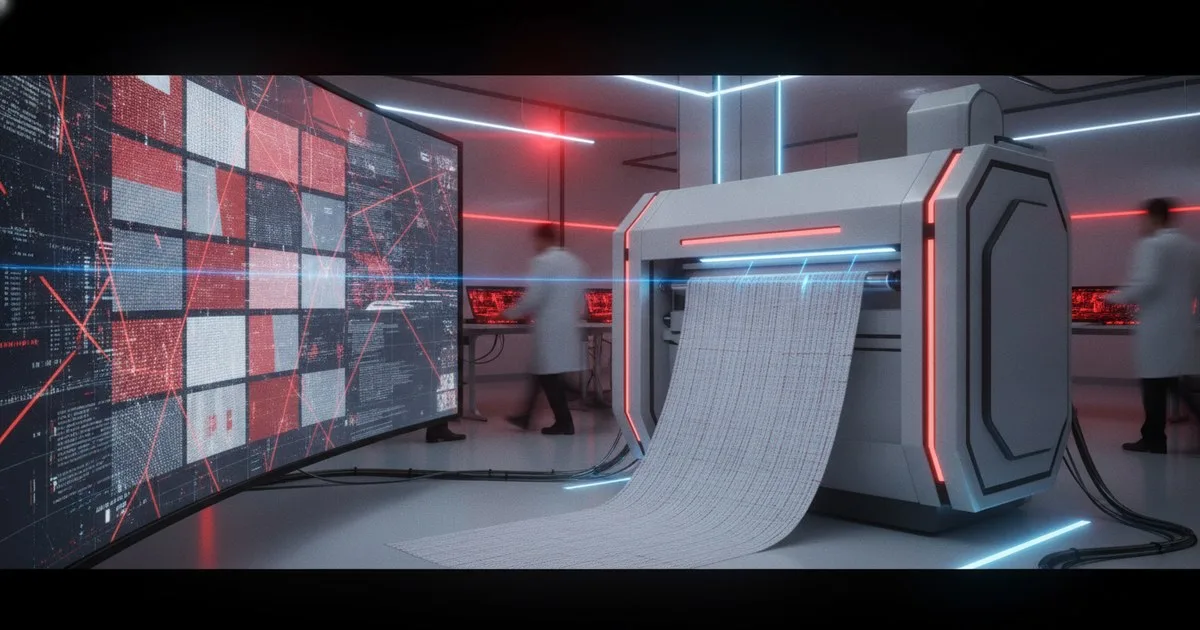
To build a functional digital material library, you must implement a standardized digitization pipeline that captures high-resolution texture maps and physical drape properties. This process requires specialized scanning hardware, a centralized cloud hosting platform, and direct integration with your 3D design software to ensure digital samples match physical production. By centralizing these assets, you eliminate color inconsistencies and reduce the need for physical shipping across your supply chain.
Key takeaways
- Physics-accurate PBR (Physically Based Rendering) maps are essential for realistic 3D cloth simulation.
- Hardware scanning solutions provide the necessary depth, specular, and transparency data that flatbed scanners miss.
- Centralized cloud management prevents versioning errors and ensures global design teams use the same "golden sample."
- Digital material libraries must include metadata like weight, composition, and stretch percentages to be production-ready.
Why is a digital material library critical for your 3D workflow?
You cannot scale 3D garment development using simple JPEGs of fabric. A true digital material library acts as a single source of truth for your design, sourcing, and production teams. Without it, your 3D renders will look like plastic, and your technical simulations will fail to predict how a garment actually fits. By digitizing your archive, you enable instant virtual prototyping, which slashes lead times and reduces the carbon footprint associated with shipping physical swatches globally.
What hardware do you need for fabric digitization?
Forget the office scanner. To capture the nuance of a weave or the sheen of a technical satin, you need a PBR-compliant scanning system. Vizoo offers the xTex scanner, which is the industry standard for capturing textures. This hardware uses multiple light sources to generate different maps—Albedo, Normal, Specular, and Roughness—simultaneously. This ensures that when your 3D software simulates light hitting the fabric, it reacts exactly like the physical material.
How do you manage digital fabric files at scale?
Once you have the scans, you need a place to put them. Local folders are where data goes to die. You need a platform like Frontier.cool or Swatchbook to host these assets. These platforms allow you to tag materials with searchable metadata, such as vendor ID, cost, and fiber content. More importantly, they provide the bridge between your sourcing department and your 3D designers, ensuring that only available, in-stock fabrics are used in the design phase.
Comparison: Digitization Methods
| Method | Best For | Limits |
|---|---|---|
| Flatbed Scanning | Simple 2D prints, mood boards | No depth, no specular data, flat lighting |
| PBR Scanning (Vizoo) | Production-ready 3D samples | Requires specialized hardware and training |
| AI-Enhanced Textures | Rapid ideation, concepting | May lack real-world physical accuracy |
| Procedural Creation | Basic knits and weaves | Time-consuming to match specific physical samples |
Step-by-Step: Building Your Digital Material Library
What you need before starting
- A PBR-capable scanner (e.g., Vizoo xTex).
- High-performance workstation with a dedicated GPU.
- Fabric samples (at least 20cm x 20cm, ironed flat).
- A cloud-based material management account.
- 3D design software like Browzwear VStitcher.
Step 1: Audit and Prepare Your Physical Samples
Before scanning, you must organize your physical archive. Select fabrics that are core to your collection. Ensure each sample is clean, free of wrinkles, and cut straight. Any distortion in the physical sample will be magnified in the digital tile. Expected Result: A curated stack of "golden samples" ready for the scanner.
Step 2: Capture the PBR Maps
Place your fabric in the scanner. Using the hardware interface, capture the primary maps. You need the Albedo (base color), Normal (surface detail/texture), Displacement (height), and Alpha (transparency for laces or meshes). If you are using a Vizoo system, the software will automatically align these maps. Expected Result: A set of perfectly aligned image files representing different physical properties of the fabric.
Step 3: Create Seamless Tiling
Open your maps in a texture editing tool. You must ensure the pattern repeats seamlessly without visible seams or "tiling artifacts." This is critical for large garment pieces like trousers or coats. If the repeat is too small, the fabric will look like a grid on the 3D model. Expected Result: A 1:1 scale digital swatch that can be repeated infinitely across any 3D pattern.
Step 4: Define Physical Properties
A digital material isn't just a picture; it’s a set of physics. You must input the weight (gsm), thickness, and bend/stretch resistance. Tools like the Browzwear Fabric Analyzer can automate this by testing a physical strip of the fabric and generating a digital physics profile. Expected Result: A .U3M or .BWF file that contains both visual and physical data.
Step 5: Upload to Your Management Platform
Upload your processed files to Swatchbook. Assign metadata: Who is the supplier? What is the lead time? Is it sustainable? This turns a "file" into a "business asset." Ensure the naming convention is consistent (e.g., YYYY_Supplier_FabricName_ColorCode). Expected Result: A searchable, filterable digital library accessible to your entire global team.
Step 6: Integrate with 3D Design Tools
Connect your material library to your 3D design environment. Designers should be able to drag and drop fabrics directly from the cloud onto their 3D avatars. This ensures that the technical design team is working with the same data as the sourcing team. Expected Result: A seamless workflow where 3D garments are created using production-accurate materials.
Troubleshooting Common Library Issues
Warning: If your 3D renders look "flat," check your Normal maps. Often, the intensity of the texture is lost during compression. Ensure you are using high-bit-depth files (16-bit) for displacement and normal data.
- Moiré Patterns: This happens when the scan resolution interferes with the screen resolution. Try scanning at a slightly higher or lower DPI, or use a slight Gaussian blur on the Albedo map if the fabric is a very fine mesh.
- Incorrect Scale: Always include a physical ruler in your initial scan setup. If the 3D software thinks a 1cm weave is 10cm, the garment will look like it's made of giant rope.
- Color Shift: Ensure your monitor is calibrated to the sRGB or Adobe RGB standard. Use a spectrophotometer to verify that the digital Albedo map matches the physical fabric under D65 lighting.
Expected Outcomes
Success looks like a 95% visual match between your 3D render and the final physical prototype. By following this workflow, you should see a 30-50% reduction in physical sampling rounds. Your library becomes a valuable intellectual property asset, allowing you to quickly iterate on past successes and communicate clearly with manufacturers. For more on the technical side of cloth behavior, see our analysis on Cloth Simulation Research: What the Latest Papers Mean for Fashion Software.
FAQ
What is the best file format for digital materials?
The Unified 3D Material (.U3M) format is the current industry preference because it stores PBR maps and physical properties in a single, vendor-neutral package. However, specific tools like VStitcher also use proprietary formats for deeper physics integration.
Can I use AI to generate my material library?
AI tools can generate textures for mood boards, but they currently lack the physical testing data required for technical production. Use AI for the "look," but rely on scanned PBR data for the "fit."
How often should I update my digital library?
Treat your digital library like your physical warehouse. Audit it seasonally. Remove discontinued fabrics and update pricing or lead-time metadata to prevent designers from using unavailable materials.
Do I need a specialized librarian for this?
For large enterprises, yes. A Digital Material Librarian ensures that every scan meets quality standards and that metadata is entered correctly. This role bridges the gap between textile science and 3D technology.